![InstaKeyPantone&White.png]](https://knowledge.instakey.com/hs-fs/hubfs/InstaKeyPantone%26White.png?height=40&name=InstaKeyPantone%26White.png)
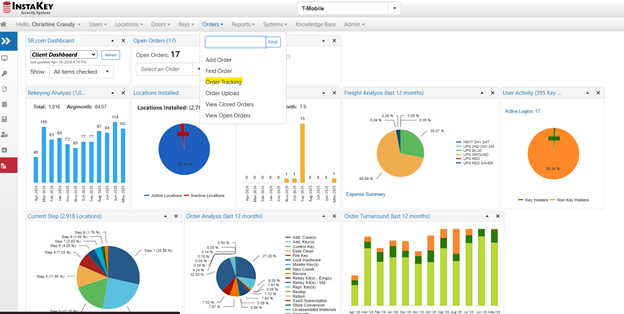
Once you log into Security Records, you'll select the “Orders” drop down, then you'll select the “Order Tracking” option
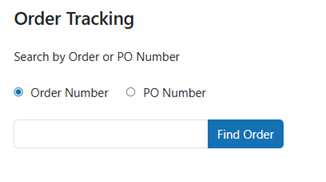
From here, you will either enter the order number from your confirmation email or you can enter your company specific PO number that was provided at the time the order was placed
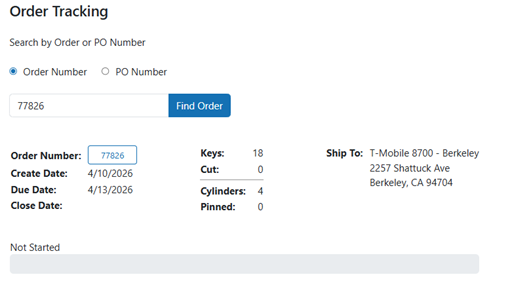
Once the order number or PO is entered, it will pull up the order.
This page will show the create date, due date, quantity of core, quantity of keys and the ship to address. There is a progress bar that will fill as the order goes through production.
Not Started -
Keys have been cut and cores are being pinned -
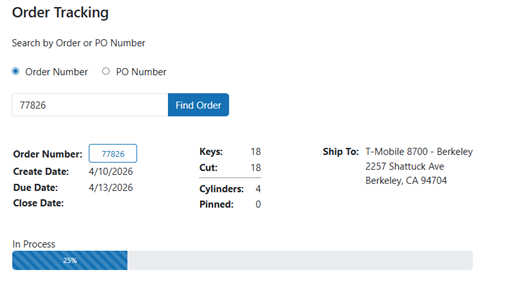
Quality Control -
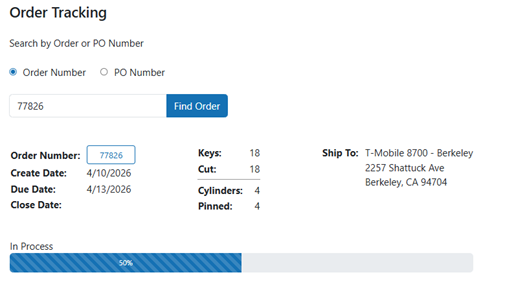
Order has been closed and is waiting to be shipped –
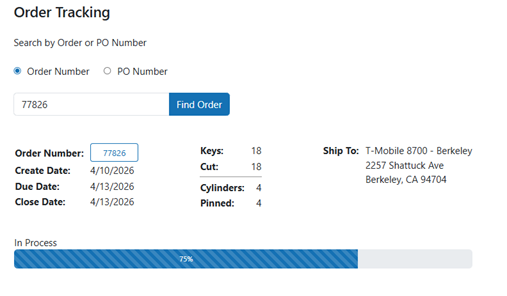
Order shipped and tracking added -
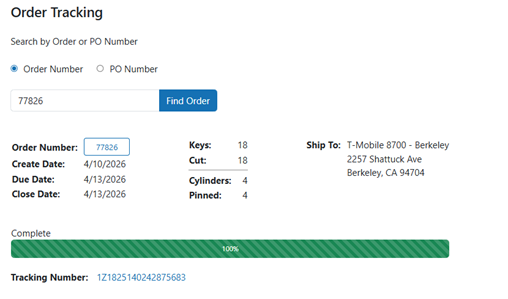
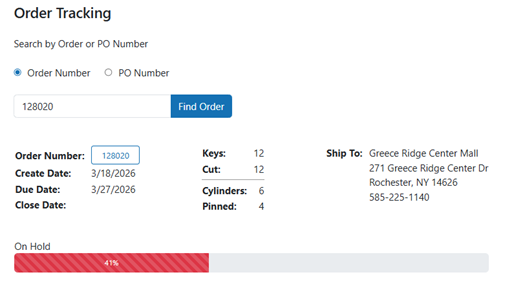
If an order has been put “On Hold” by production the status bar will show red. Orders typically get put on hold if we have an inventory concerns or we are conducting extra quality control on the materials. For additional information about an order placed on hold, please reach out to your account manager