![InstaKeyPantone&White.png]](https://knowledge.instakey.com/hs-fs/hubfs/InstaKeyPantone%26White.png?height=40&name=InstaKeyPantone%26White.png)
Once you've logged into Security Records, follow the below steps to create scheduled reporting that will be delivered directly to your inbox
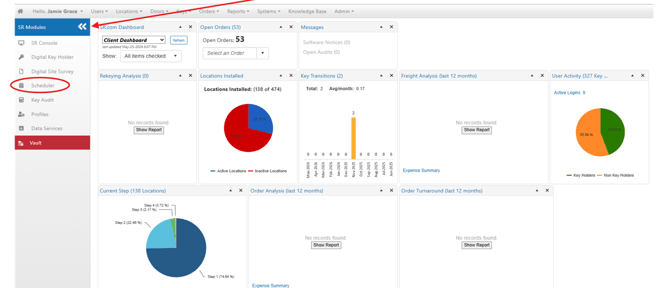
On the Dashboard, Click to expand all Modules. Then, select Scheduler
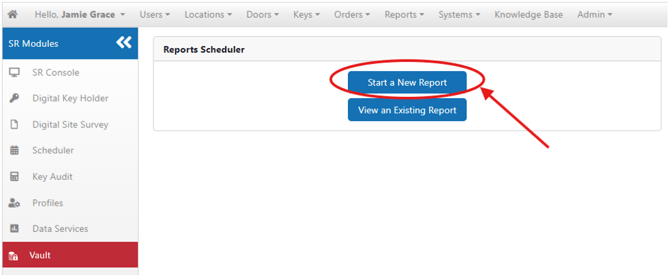
Select "Start a New Report"
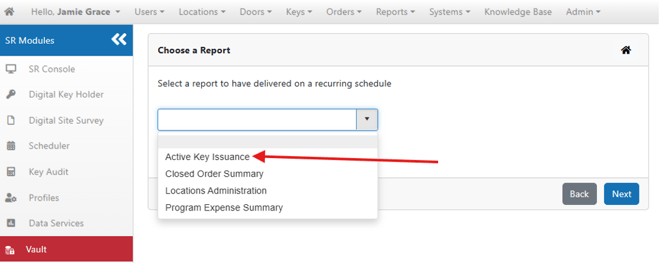
Select "Active Key Issuance" from the Reports dropdown, then click Next
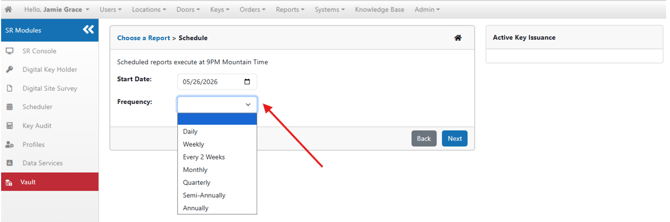
Select when you'd like to begin receiving this report and how often you'd like it sent, then click Next
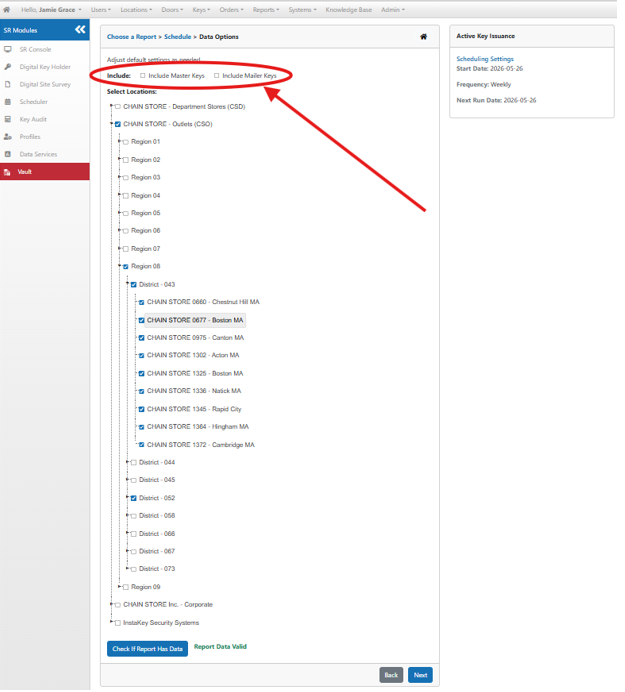
Select if you'd like to include Master and Mailer Keys in the report results
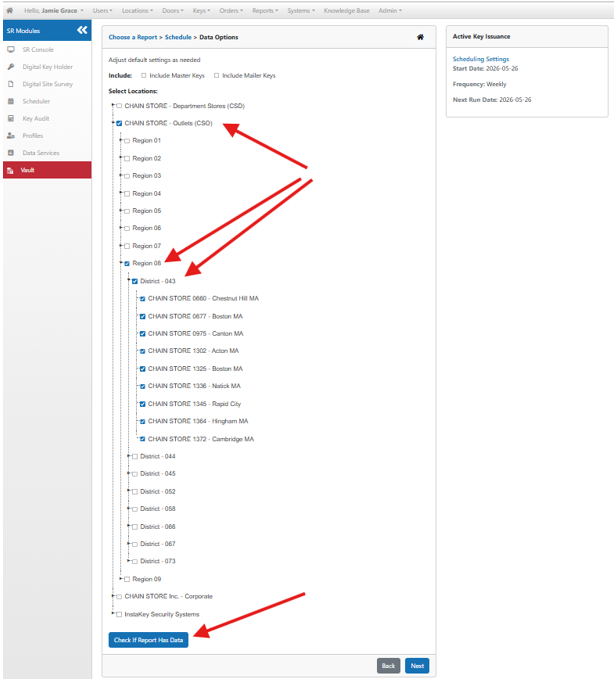
Select which specific Location(s) you'd like to include on the Report. Then, check to ensure your selected Report contains valid data.
Once confirmed, click Next
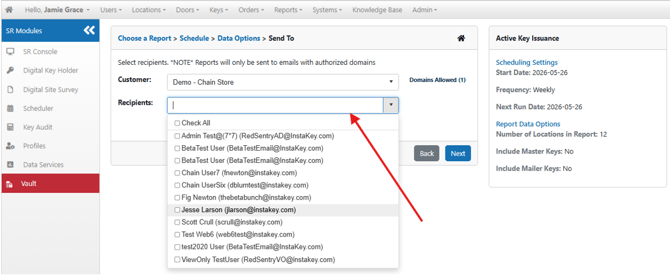
Select which existing Users you'd like to receive the results, then click Next
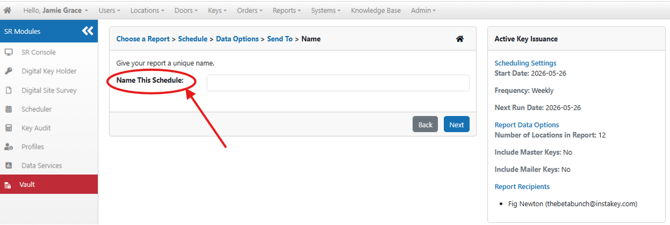
Name your Report, then select Next
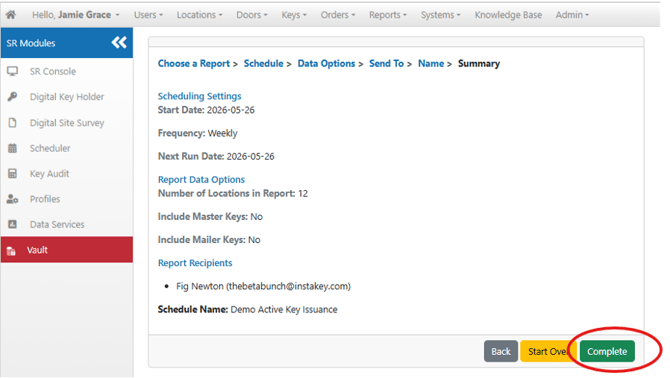
Confirm all your selections are accurate, then select Complete
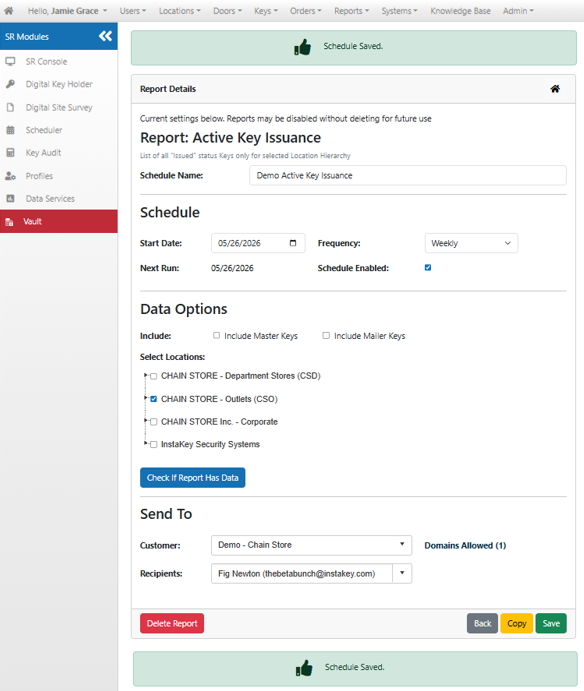
Once your Report is saved, you can make modifications on this page or return home to start a new Report
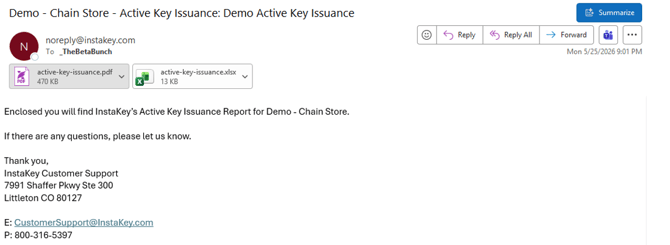
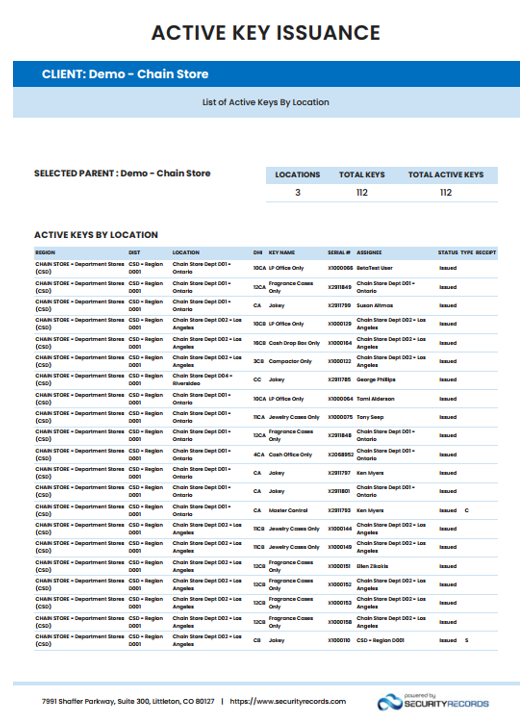
After the Report runs, you will receive an email with two attachments- A PDF Version and an Excel Version of the Report Results. These emails will continue for the duration of the scheduled Report
PDF Results -
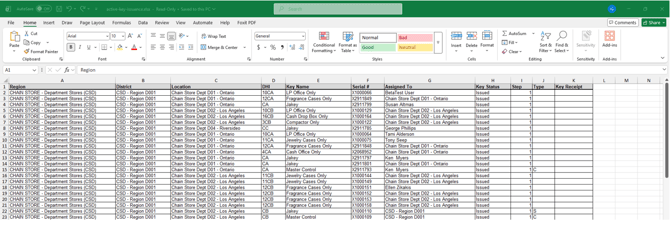
Excel Results -