![InstaKeyPantone&White.png]](https://knowledge.instakey.com/hs-fs/hubfs/InstaKeyPantone%26White.png?height=40&name=InstaKeyPantone%26White.png)
Once you've logged into Security Records, follow the below steps to create scheduled reporting that will be delivered directly to your inbox
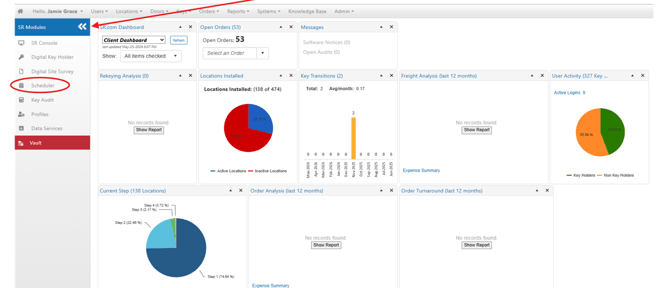
On the Dashboard, Click to expand all Modules. Then, select Scheduler
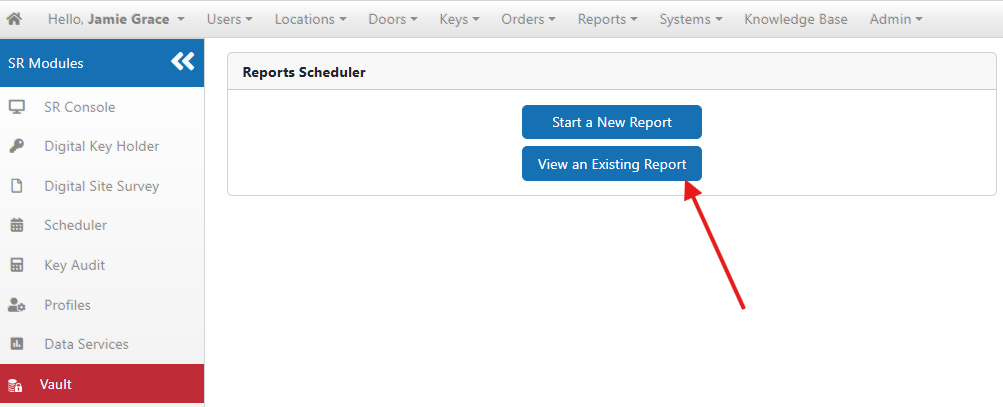
Click "View an Existing Report"
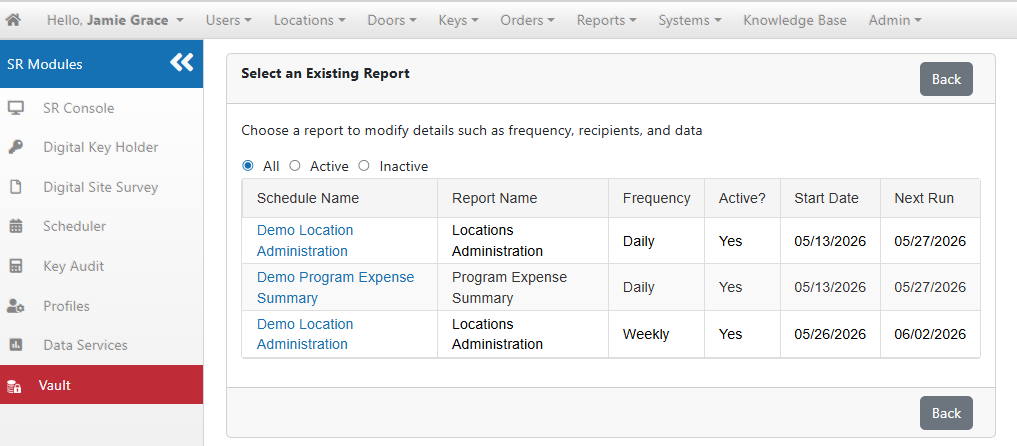
You will be brought to a listing of all Reports that have ever been created, both active and inactive
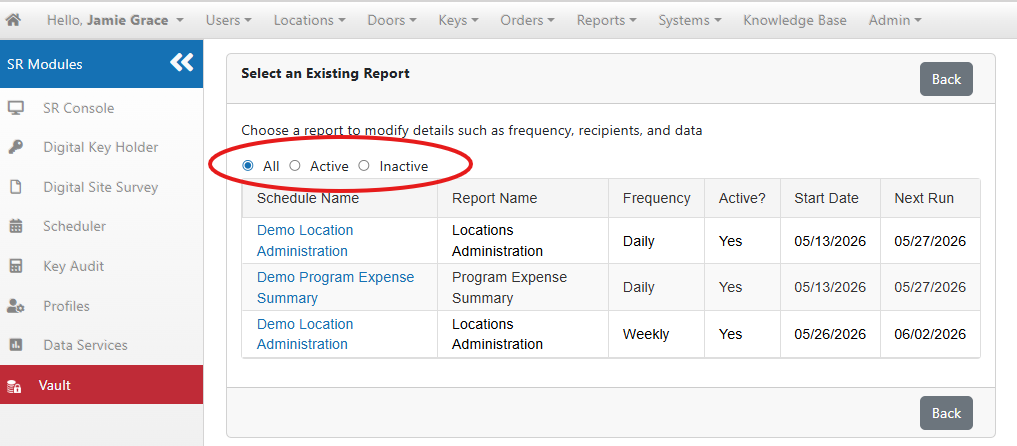
Toggle to view Active or Inactive Reports at the top as needed