![InstaKeyPantone&White.png]](https://knowledge.instakey.com/hs-fs/hubfs/InstaKeyPantone%26White.png?height=40&name=InstaKeyPantone%26White.png)
Once you've logged into SecurityRecords, follow the below to view all Users
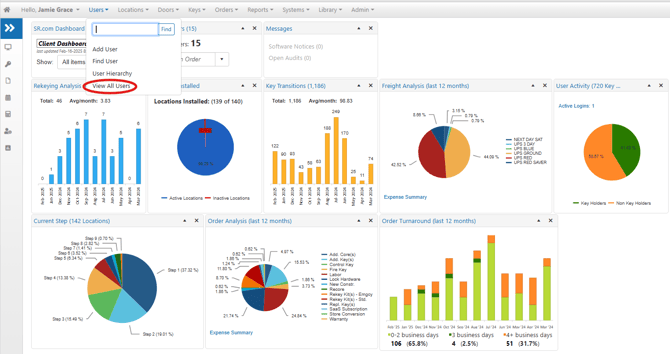
- On the Menu Bar, select the "Users" dropdown then select "View All Users"
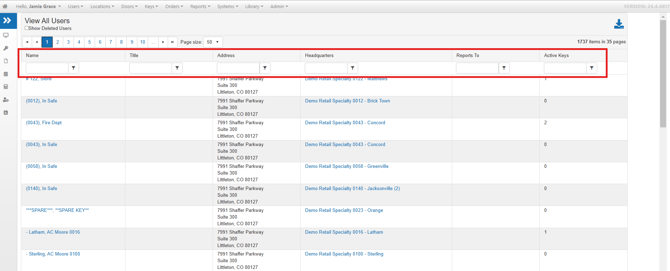
- Once the list of Users is displayed, you can apply filters to narrow down the results based on specific criteria such as location, name, address, title, and more